


Now Booking
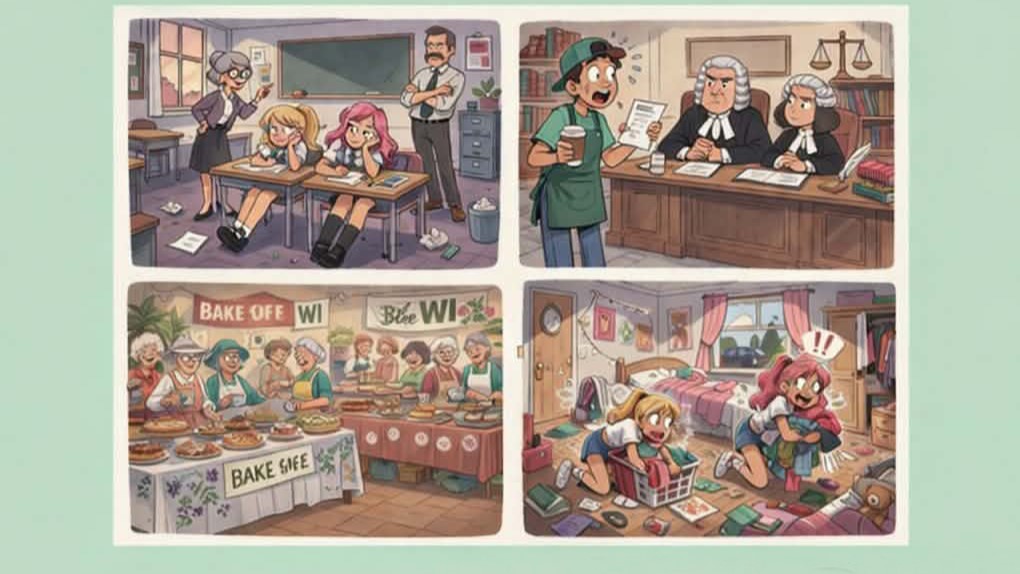
ReFresh
9 - 14 Jun 2026
‘ReFresh’ is an exciting showcase of new writing and emerging performers. Featuring four original short plays, this evening celebrates fresh voices, new perspectives, and stories that surprise, delight, and entertain. From sharp comedy to quietly powerful moments — and outright … more »
Book Online!The Changeling
11 - 18 Jul 2026
A BROKEN CARRIAGE wheel sees two strangers stranded in the middle of the Borgo Pass, and its vast snowed-in forests. Forced to take refuge in a lone cottage, they have the feeling that something is very, very wrong. They were … more »
Book Online!Coming Soon
tba
Our New Theatre Season is now in preparation and will be announced soon.
Coming Soon
tba
Our New Season of films at our Screen on the Green is under preparation. Dates and films TBA soon.